
Welcome to SĒNS
Five short steps and the ring starts measuring. It takes no more than ten minutes.
-
1
Charge the ring
Put the ring in the case from the box and wait until it is fully charged. The case is both the charger and the “key” for pairing: the phone can only see the ring while it is inside.
Charge only in the case from the box — other chargers will not fit.
-
2
Download the SĒNS app
The app for iPhone is in the App Store. Create an account with email, Apple or Google: all your data lives in the app, not in the ring.
An Android version is coming later.
-
3
Pair the ring
Leave the ring in the case, turn Bluetooth on and open “My devices” → “Add” in the app. Start the search, pick your ring from the list and confirm. The app takes it from there.
Ring not found? Make sure it is in the case and the case is charged, wait a couple of seconds and search again.
-
4
Wear it right — your data depends on it
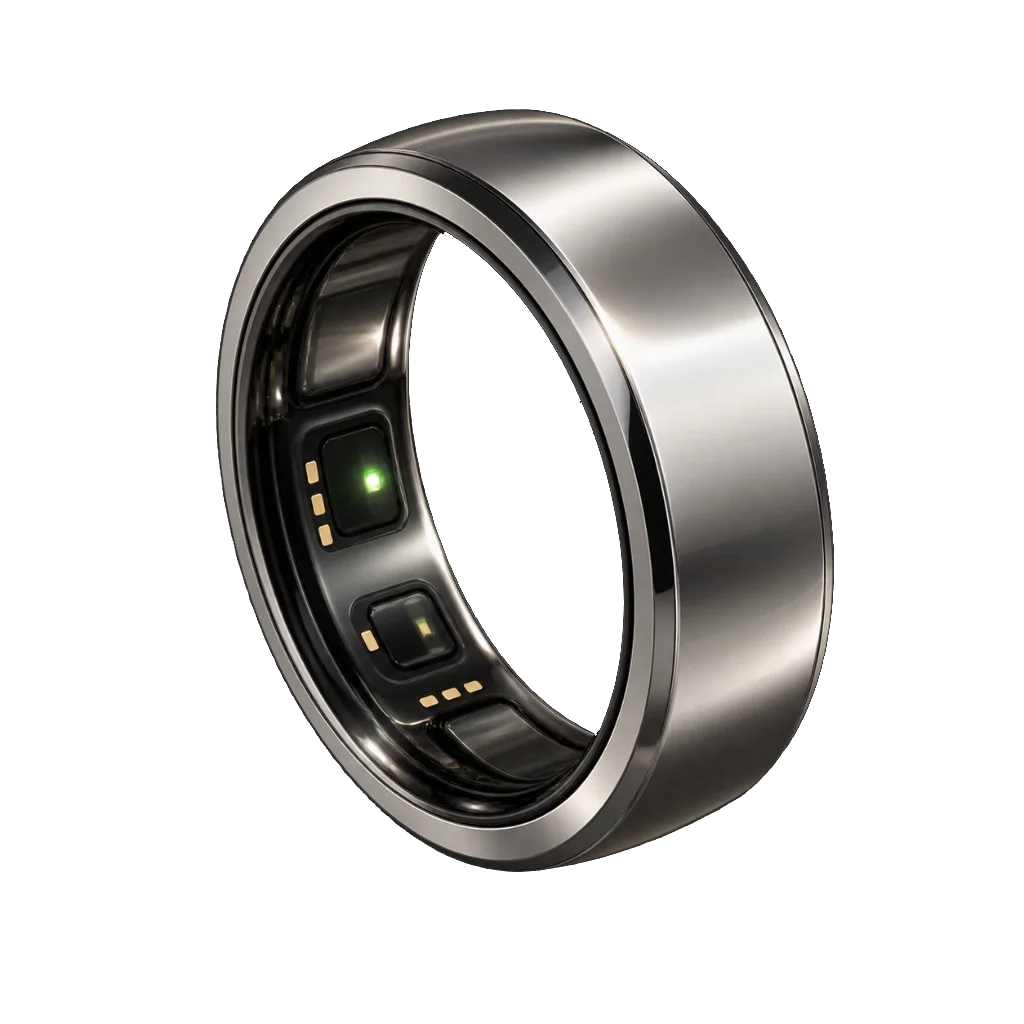
The sensors on the inside of the ring must face your palm. The index or middle finger works best; the ring should sit snug but never tight. If it is loose or turned, heart rate and sleep will be measured with errors.
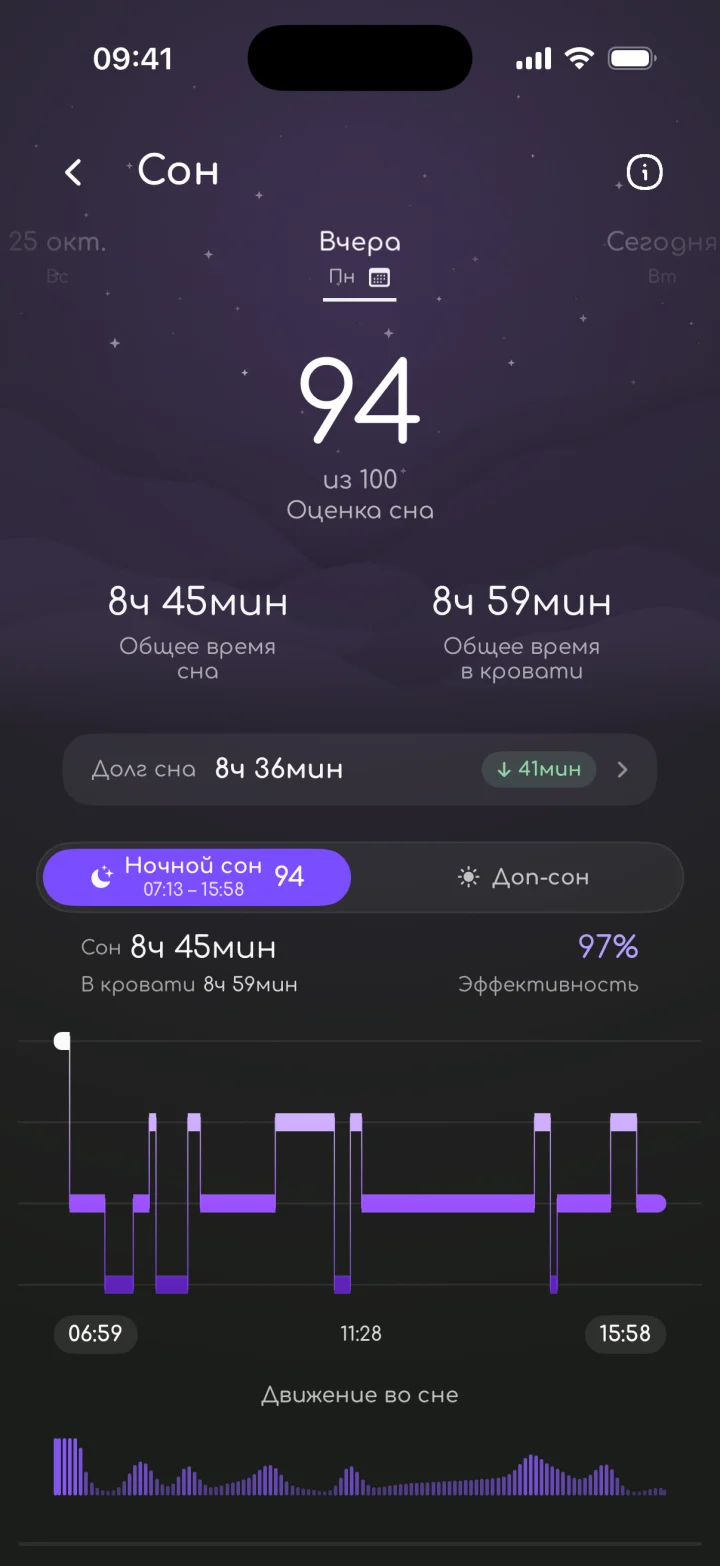
The night matters most: during sleep the ring measures resting heart rate, HRV and temperature. Take it off only to charge.
-
5
The first week is a warm-up
The app is learning your baseline. The first “above or below usual” comparisons appear after 7 days, and a full personal baseline after about a month. Wear the ring every night.
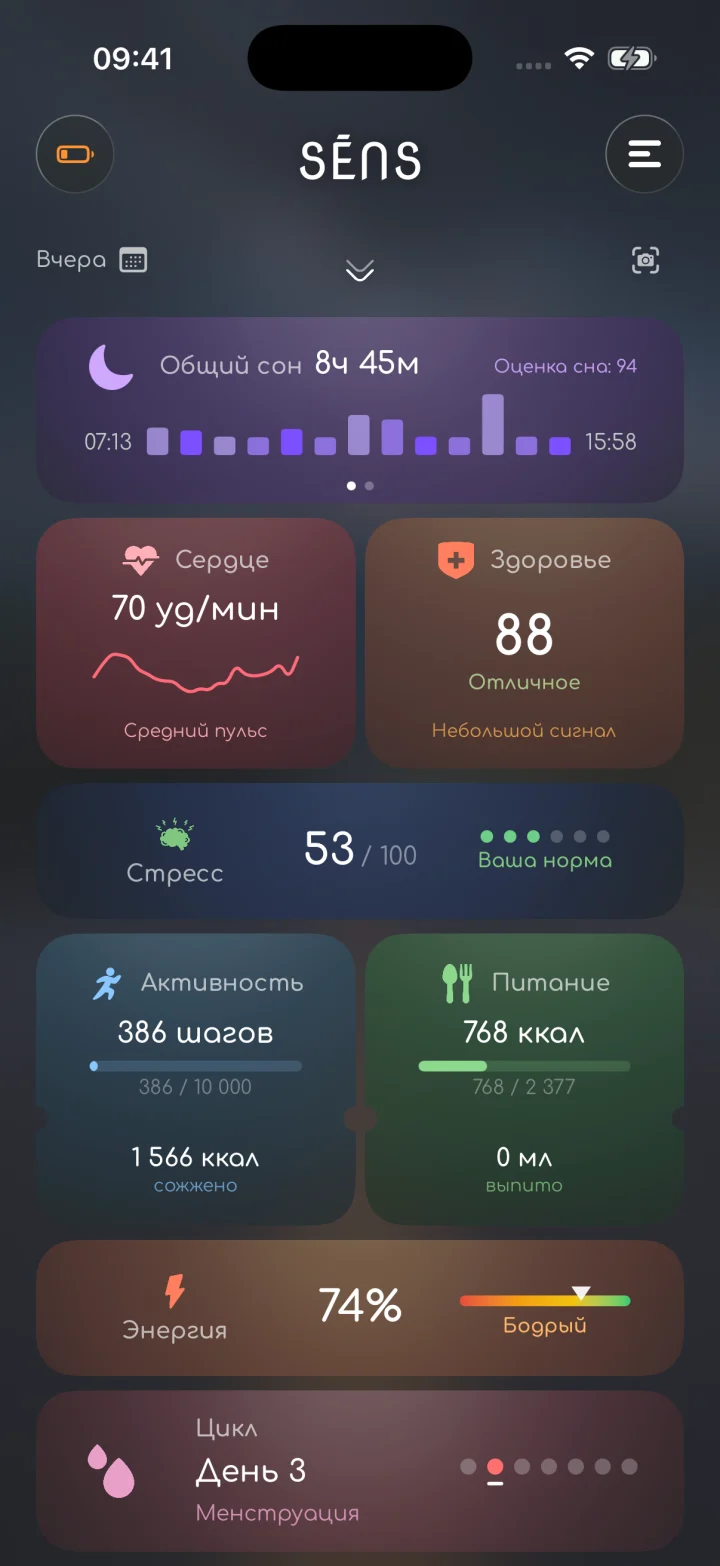
Open the app in the morning: the ring syncs the night and you get a report on sleep and energy.
Something not working?
Write to us — we will answer and help you set things up.